The Free Mountain Bike Rental Booking System
Built for bike shops. Not everything-shops.
Start taking online bookings in 5 minutes. No monthly fees. No commission. No payment processing headaches. Just a simple, beautiful booking system designed specifically for MTB and e-bike rentals.
What is MTB Reserve? The Simplest Bike Rental Software
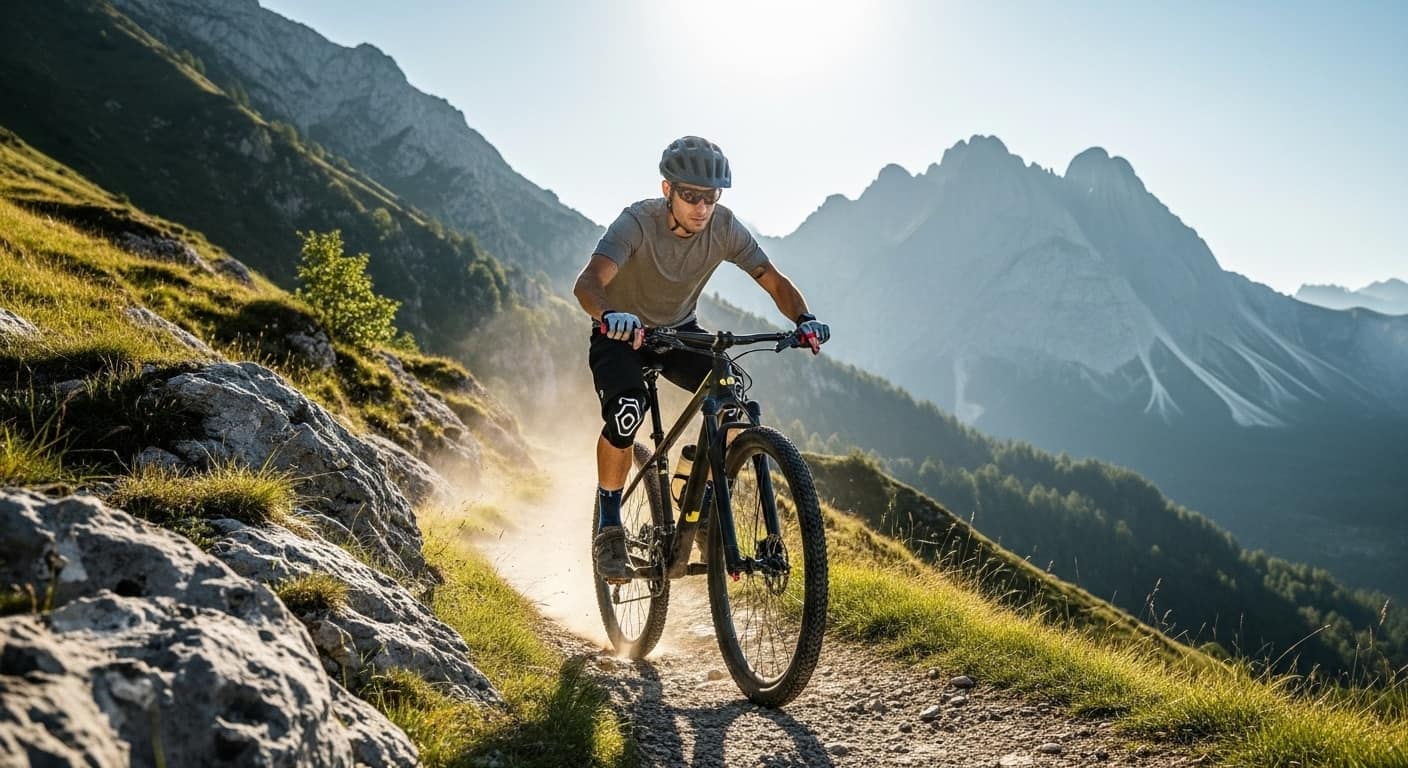
MTB Reserve is a free online booking platform built specifically for mountain bike rentals, e-bike rentals, and trail bike hire services. Unlike generic rental software that tries to do everything—from kayaks to escape rooms—MTB Reserve focuses exclusively on what matters to bike shops: managing your fleet, taking bookings, and getting riders on trails.
Whether you run a small mountain bike rental shop in the Alps, manage a fleet of e-bikes at a tourist destination, or operate trail-side rentals at a bike park, MTB Reserve gives you the tools to accept online reservations 24/7 without the complexity, cost, or commission fees of traditional rental software.
Why We Built MTB Reserve
We noticed a problem in the bike rental industry: existing booking platforms were either too expensive (charging monthly fees plus commissions on every booking) or too complicated (designed for multi-purpose rental businesses with features bike shops don't need). MTB Reserve was created with one goal: make it ridiculously easy for bike rental shops to accept online bookings—for free.
Who Uses MTB Reserve?
- Mountain bike rental shops looking for a simple online booking system
- E-bike rental businesses at tourist destinations
- Trail centers and bike parks offering equipment hire
- Hotels and resorts with bike rental services for guests
- Tour operators managing guided MTB experiences
- Small bike shops that want to offer rentals alongside sales
How to Book a Mountain Bike Online with MTB Reserve
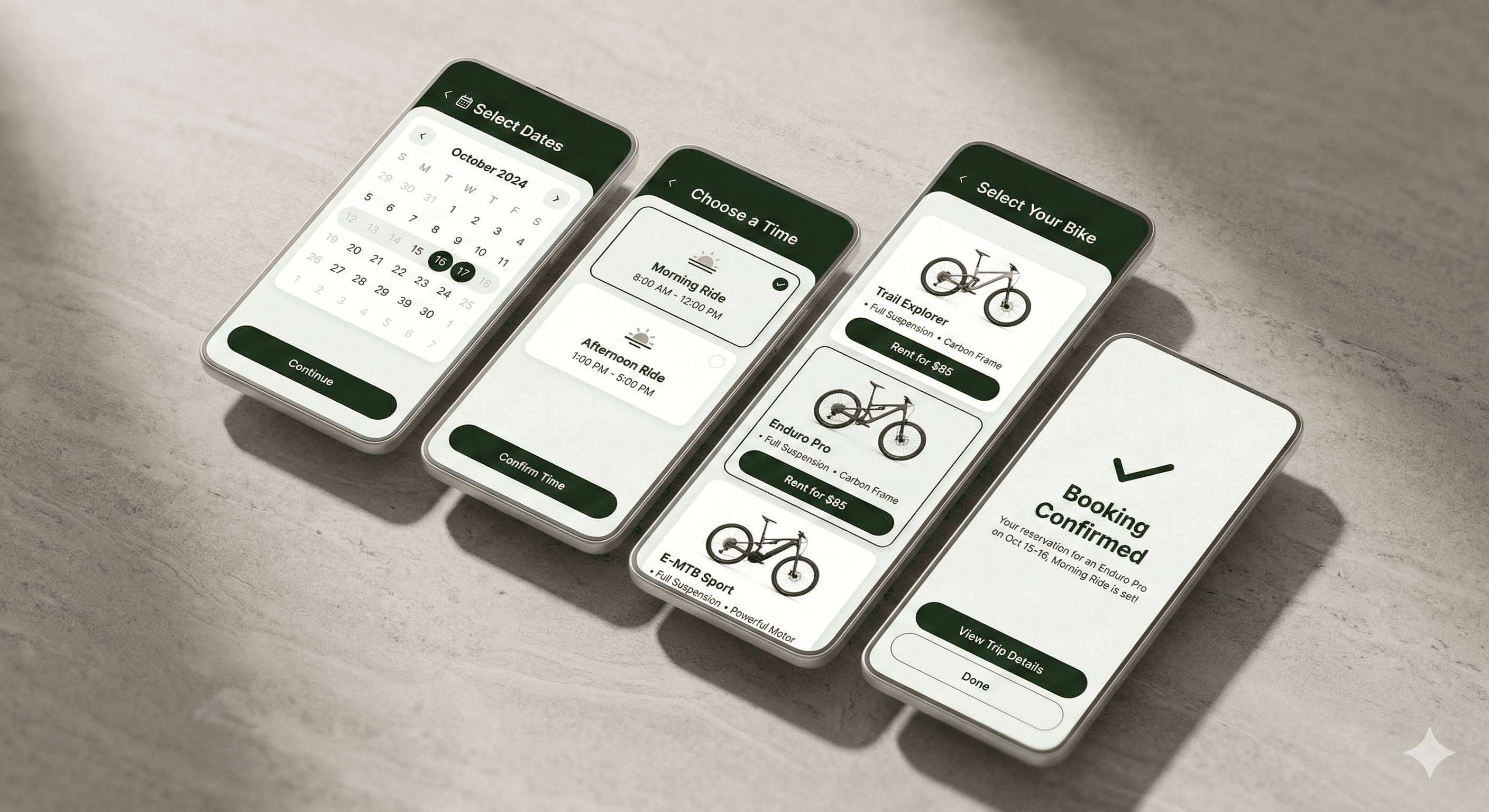
Renting a mountain bike or e-bike through MTB Reserve takes just 4 simple steps. No account creation required. No payment upfront. Just pick your bike and show up ready to ride.
Choose Your Date
Select when you want to ride using our intuitive calendar. Blocked dates (holidays, maintenance days) are automatically hidden so you only see available days.
Pick Your Time Slot
Choose from available time slots—morning, afternoon, or full day. Real-time availability shows exactly how many bikes are left for each slot, so you never arrive to find your bike already booked.
Select Your Bike
Browse available bike types—from hardtails to full-suspension MTBs to e-bikes. Each listing shows real-time stock availability, hourly rental pricing, and bike specifications. Select your bike type and quantity (perfect for groups!).
Enter Your Details & Confirm
Fill in your name, email, and phone number. That's it. You'll receive a confirmation email with a magic link—click it to confirm your booking and receive your unique booking code for pickup. No payment required online. You pay when you arrive at the shop—cash or card, your choice.
Secure Bike Rental Reservations with Email Verification
We take booking seriously. To prevent no-shows and ensure every reservation is genuine, MTB Reserve uses a double opt-in confirmation system:
You submit your booking request → System holds bikes for 30 minutes
You receive a confirmation email → Click the magic link
Your booking is confirmed → You receive a unique booking code
Show up and ride → Present your code at pickup
Your Booking Code
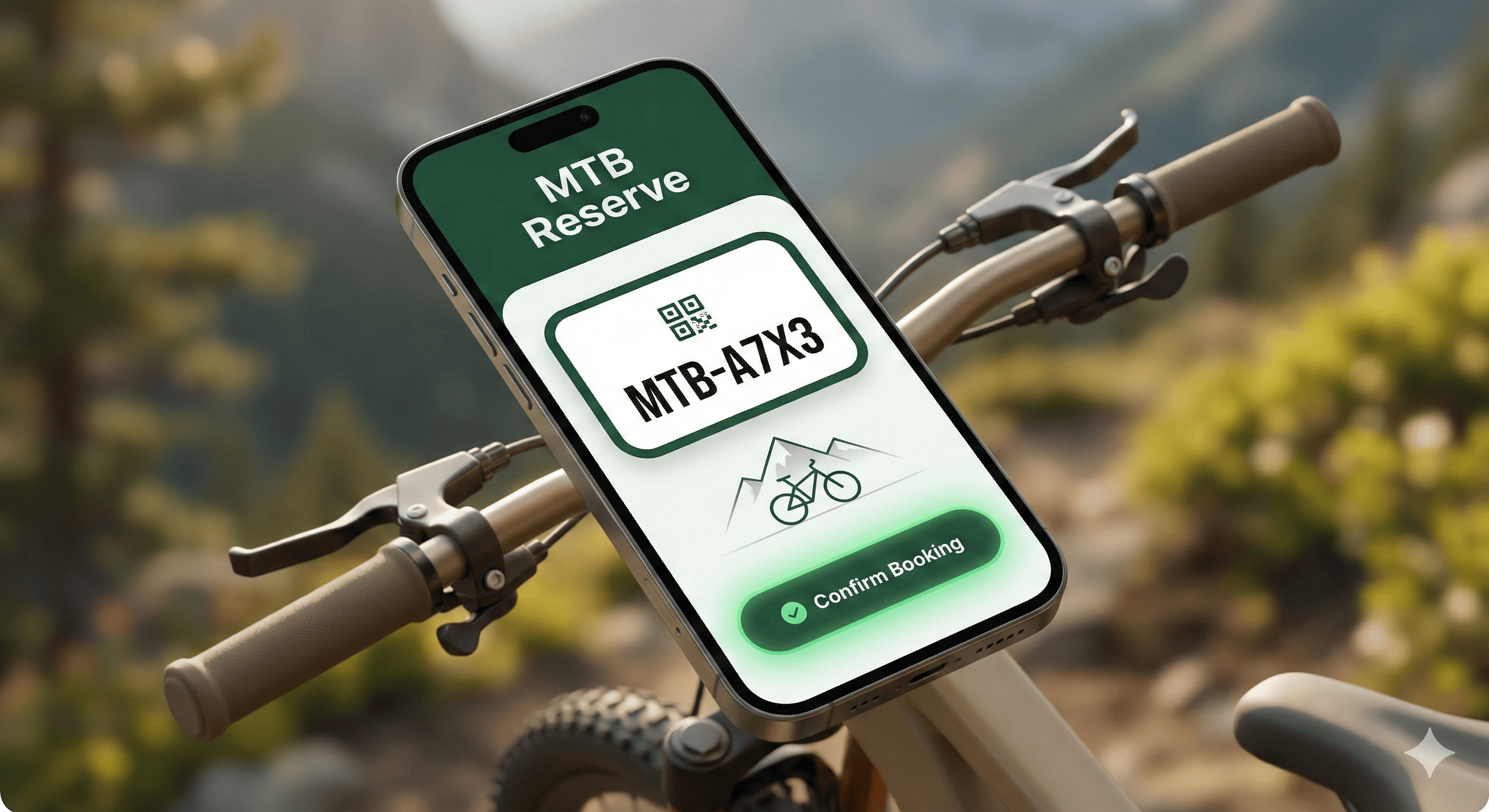
Every confirmed reservation includes a unique alphanumeric booking code (e.g., MTB-A7X3K2). This code is your ticket to your bike—just show it at the rental shop when you arrive.
MTB Rental Management Software for Bike Shops
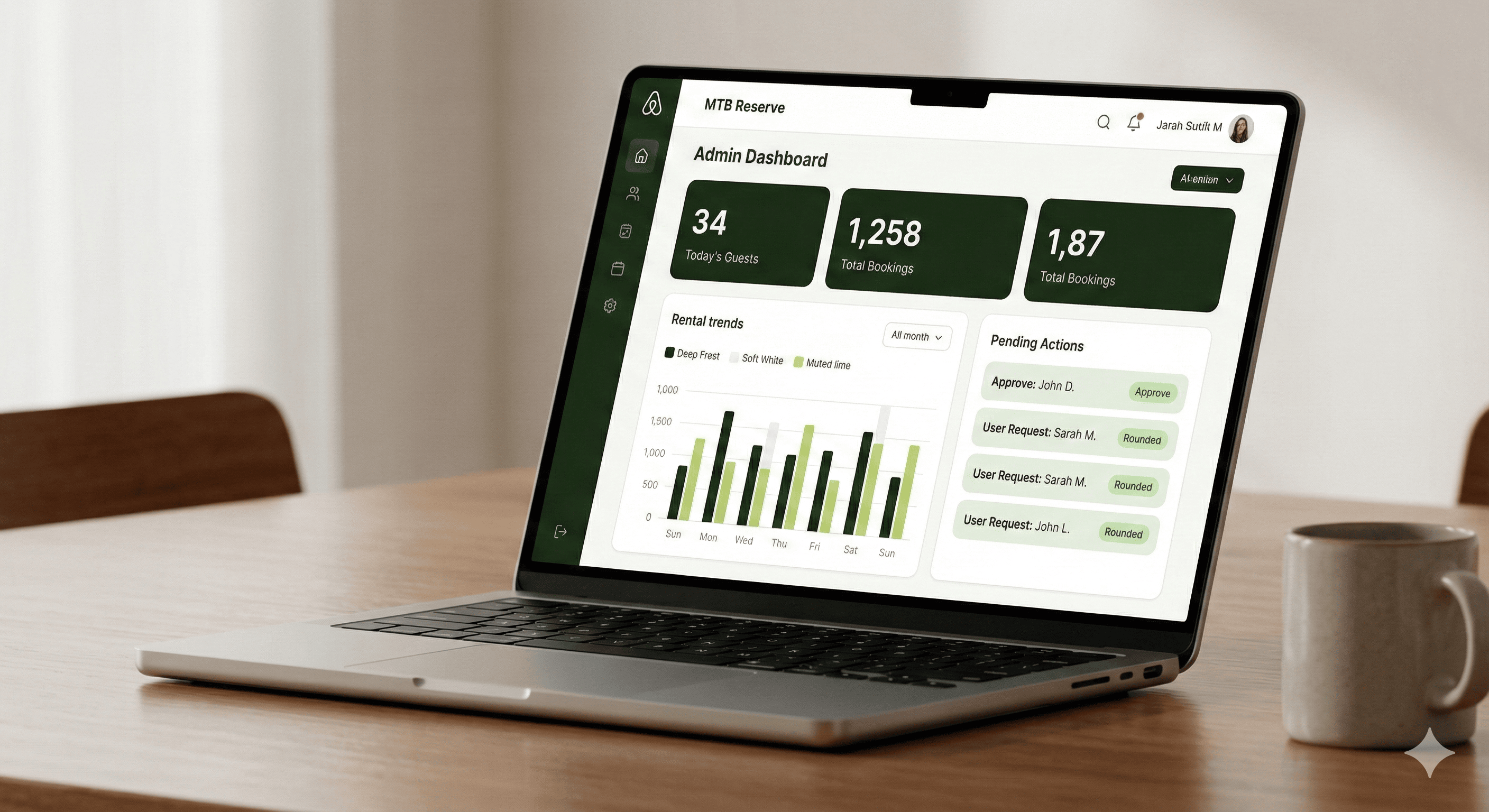
Running a bike rental business shouldn't require an IT degree. MTB Reserve gives shop owners a powerful yet simple admin dashboard to manage everything from inventory to bookings to customer communications.
The Admin Dashboard
Your command center for bike rental operations. At a glance, see:
- Today's guests – How many riders are coming in today
- Pending confirmations – Bookings waiting for customer email verification
- Total bookings – Your complete reservation history
- Quick actions – Confirm, cancel, or modify bookings with one click
Calendar View for Bike Reservations
See all your bookings laid out on a visual calendar. Click any date to view that day's reservations—including customer details, bike types, time slots, and booking status. Perfect for morning prep, staff scheduling, and availability planning.
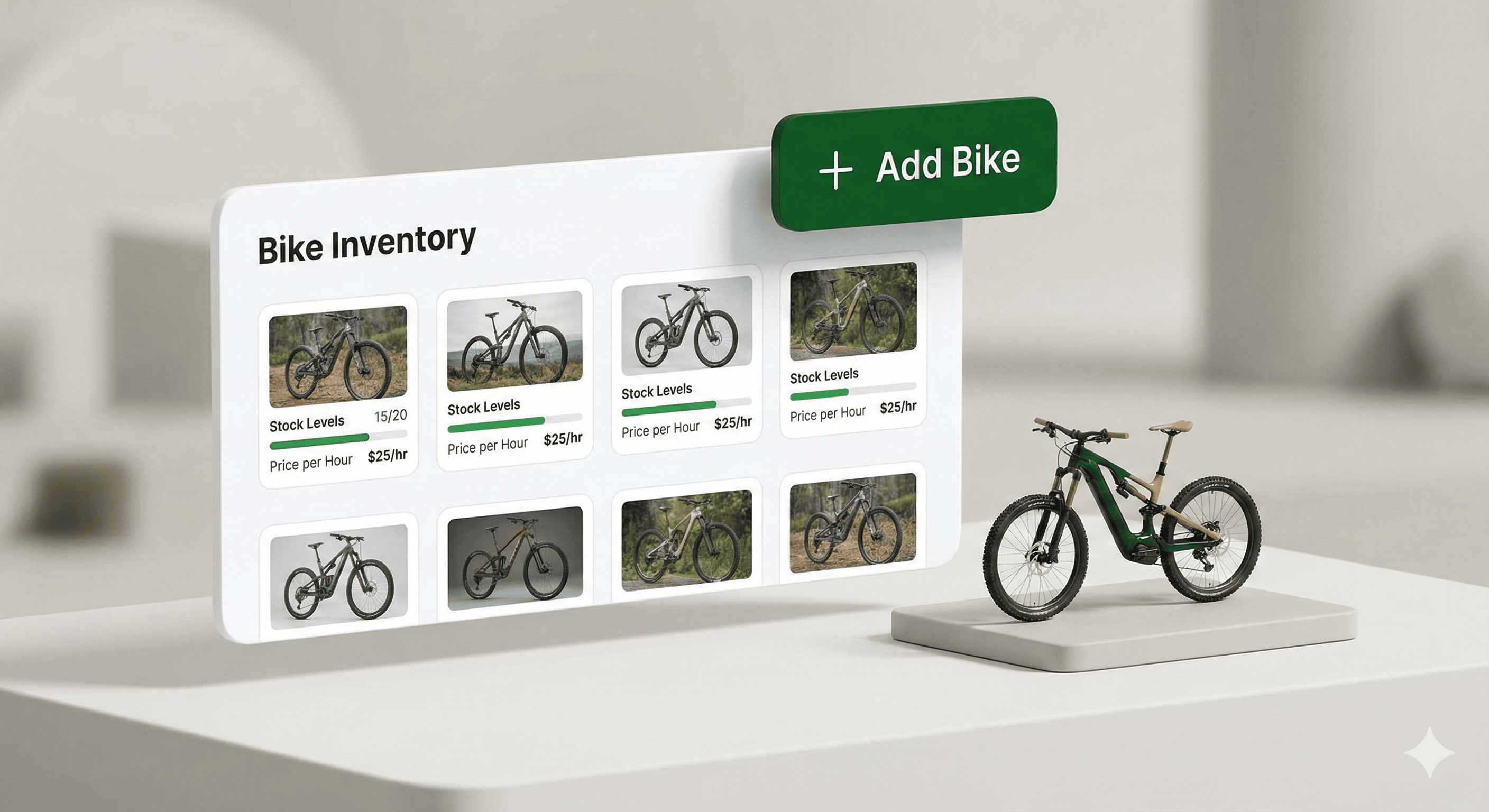
Bike Fleet & Inventory Management
Manage your entire bike fleet from one screen:
- Add bike types – MTB, e-bike, hardtail, full-suspension, kids bikes, etc.
- Set stock levels – Total bikes in inventory
- Track broken/maintenance bikes – Automatically excluded from availability
- Set hourly pricing – Display rental rates to customers
Customizable Booking System for MTB Rentals
Every bike rental business is different. MTB Reserve gives you the flexibility to configure the booking experience exactly how you want it.
Custom Time Slots
Create booking slots that match your business hours: morning, afternoon, or full day. The system even detects overlapping time slots and warns you before saving.
Blocked Dates & Holidays
Close specific dates for seasonal closures, holidays, maintenance days, or special events. Set dates as yearly recurring for annual holidays—configure once, apply forever.
Advance Booking Rules
Control when customers can book with minimum and maximum days in advance settings. Perfect for managing seasonal demand and staff planning.
Content Customization
Personalize your booking page with custom titles, info box messages, and pickup location with Google Maps integration.
MTB Reserve vs. Other Bike Rental Software: The Honest Comparison
Let's be real: there are other booking platforms out there. Checkfront, FareHarbor, Peek, Bokun—they're all fine products. But they weren't built for you.
| Platform | Monthly Cost | Commission | Setup Time | Focus |
|---|---|---|---|---|
| Checkfront | $49-$299/mo | 0-3% | Days-Weeks | Everything |
| FareHarbor | "Free" | 6% per booking | Hours-Days | Tours & Activities |
| Peek | "Free" | 6% per booking | Hours-Days | Tours & Activities |
| Bokun | $49-$349/mo | 1.5-3% | Days | Tours & Activities |
| MTB Reserve | Free | 0% | 5 minutes | MTB & Bikes |
Why Generic Platforms Fall Short for Bike Rentals
They're designed for tour operators, not bike shops
Generic platforms were built for kayak tours, escape rooms, wine tastings, and guided experiences. Bike rentals are an afterthought.
Complex setup that wastes your time
Multi-purpose platforms require extensive configuration—inventory systems, pricing rules, booking flows, integrations, staff training. For a small bike shop, this is overkill.
Monthly fees eat into your profits
$49/month might seem reasonable—until you calculate that you could rent 2-3 extra bikes per month just to cover software costs.
Commission fees add up fast
6% per booking? On a €50 rental, that's €3 gone. Rent 20 bikes a day during peak season? That's €60/day—€1,800/month—going to the platform.
Forced online payments create friction
Most platforms require payment gateway setup, transaction fees, chargeback risks, and refund processing. With MTB Reserve, customers pay at pickup. Simple.
Why is MTB Reserve Free? (And What's the Catch?)
There is No Catch
MTB Reserve is genuinely free for bike rental shops. No trial periods. No feature limits. No "free tier" that forces you to upgrade.
You sign up, add your bikes, configure settings, and start receiving bookings. You keep 100% of your rental revenue.
How We Make Money (Eventually)
Right now, we're focused on building the best bike rental booking system possible. In the future, we may introduce optional premium features for larger operations—things like advanced analytics, API integrations, multi-location management, and white-label branding removal.
But the core booking system will always be free for bike shops.
Why No Online Payments?
- Zero transaction fees – You keep 100% of the rental price
- No chargebacks – Cash and in-person card payments don't have chargeback risks
- Simpler for customers – No credit card required to book
- Reduces friction – More bookings, fewer abandoned carts
- Your relationship, your rules – Handle payments your way
Set Up Your Bike Rental Booking System in 5 Minutes
Getting started with MTB Reserve is ridiculously simple. No technical knowledge required. No integrations to configure.
Request Access
Click "I want to join" on our homepage. Fill in your shop name, contact details, and fleet size. We'll review your application and set up your account—usually within 24 hours.
Add Your Bikes
Log into your admin dashboard and navigate to Inventory. Add your bike types with name, stock quantity, and hourly price. Repeat for each bike type in your fleet.
Configure Your Settings
Go to Settings and customize your time slots, contact info, and info messages for any important rental policies.
Share Your Booking Link
Your booking page is live. Share this link on your website, Google Maps, social media, and email signature. That's it—you're ready to receive online bike bookings.
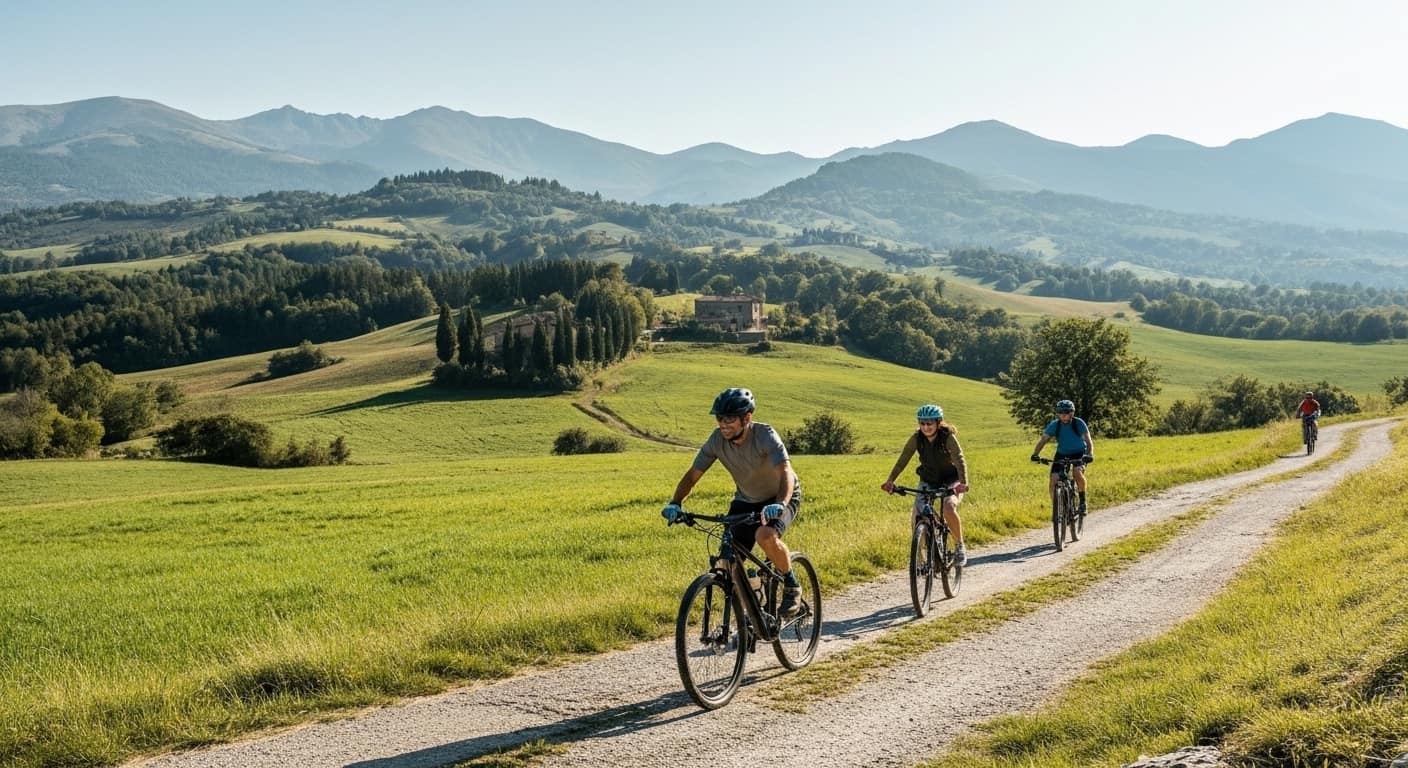
No More Double-Booking: Smart Availability for Bike Rentals
The #1 complaint we hear from bike shop owners about manual booking systems: double bookings. You've been there: A customer shows up expecting a bike, but it's already rented to someone else because your spreadsheet wasn't updated. MTB Reserve eliminates this problem with real-time availability calculation.
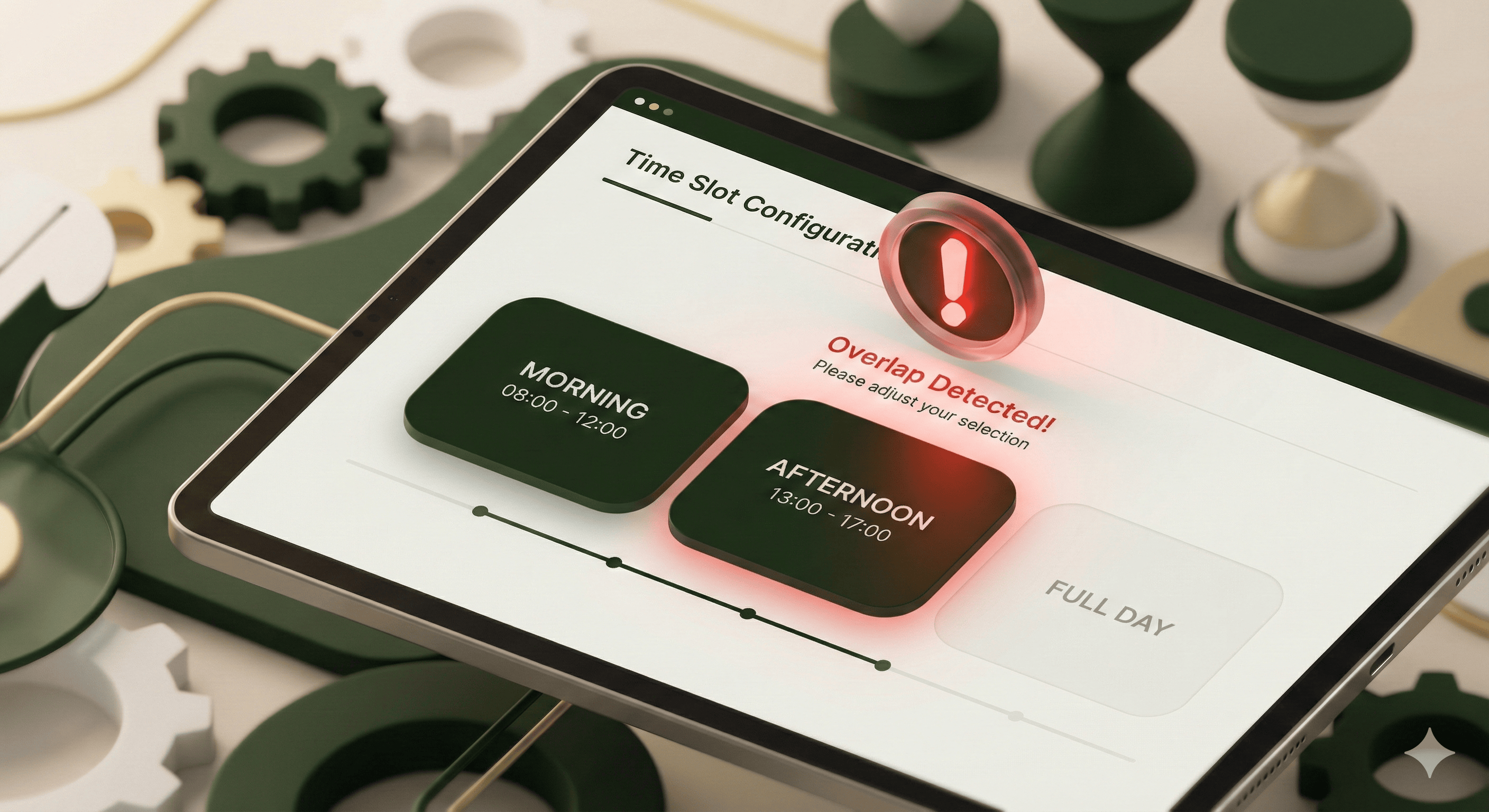
Automatic Calculation
For every time slot, the system automatically calculates how many bikes are actually available. Customers only see slots with available inventory—preventing overbooking before it happens.
Slot-Based Booking
Because bookings are organized by time slots, the system knows exactly which bikes are available during each period. A morning rental doesn't block an afternoon reservation for the same bike.
Maintenance Mode
Got a bike in the shop for repairs? Mark it as "broken" in your inventory. It's automatically removed from availability until you fix it. No manual calendar blocking required.
Specialized Booking Software for Mountain Bike and E-Bike Rentals
MTB Reserve wasn't built as generic rental software. It was built by mountain biking enthusiasts for mountain bike rental businesses.
Designed for the MTB Rental Industry
- Hourly pricing – Perfect for half-day and full-day rentals
- Quantity booking – Groups can reserve multiple bikes at once
- Bike type categorization – Separate inventory for MTBs, e-bikes, kids bikes
- Time slots – Match common rental patterns (morning/afternoon/full day)
Perfect for E-Bike Rentals
- Track e-bike inventory separately from traditional MTBs
- Set different pricing for e-bikes vs. regular bikes
- Manage battery availability through maintenance tracking
Great for Trail Centers & Bike Parks
- Seasonal date blocking for off-season closures
- Multiple bike types for different trail difficulties
- Volume capacity for busy peak days
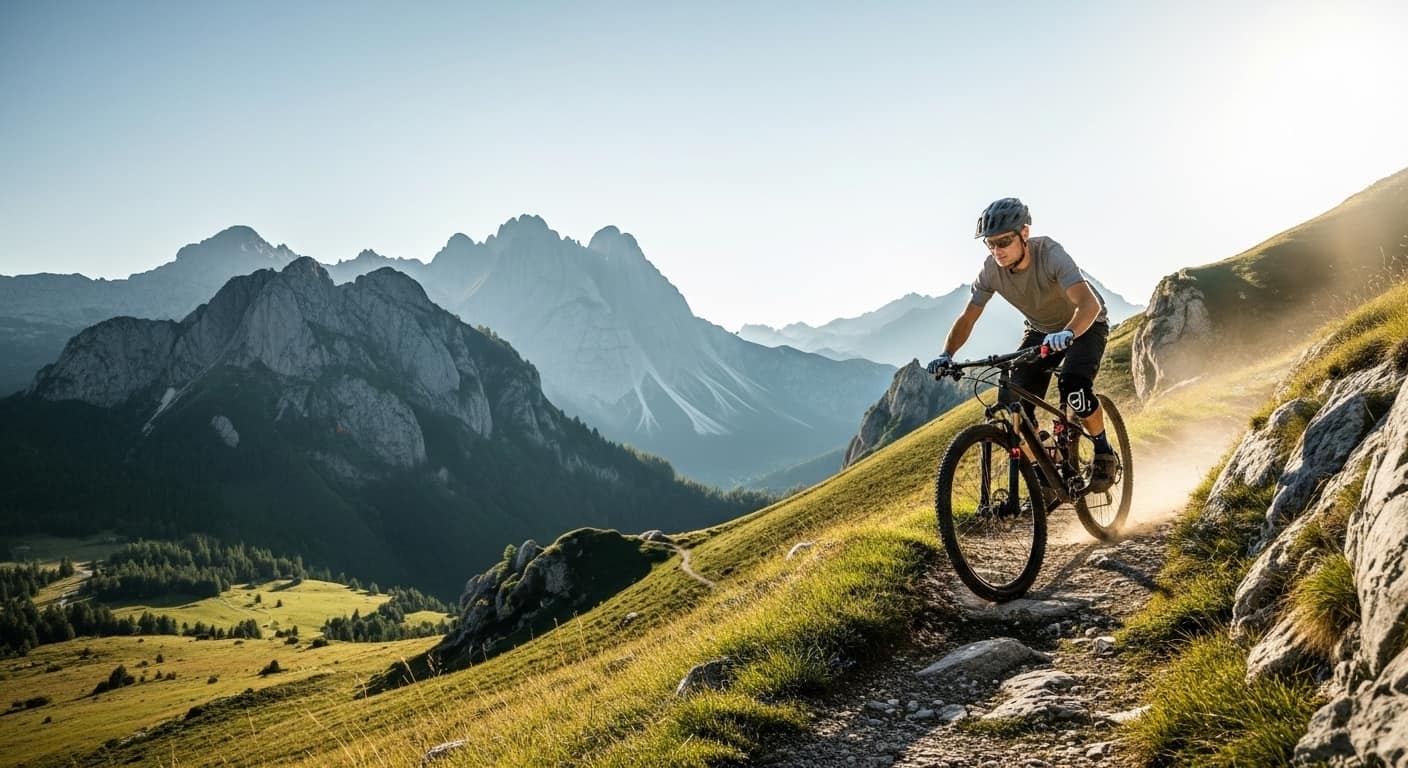
MTB Reserve Bike Rental Locations
MTB Reserve is growing across Europe, with partner shops in scenic mountain biking destinations.
Currently Serving
- Sillico – Garfagnana, Tuscany, Italy
- Castelnuovo di Garfagnana – Tuscany, Italy
Rent Mountain Bikes in Italy
Looking to rent a mountain bike in Tuscany? Our partner shops in the Garfagnana region offer:
- High-quality full-suspension MTBs
- Premium e-bikes for tackling climbs
- Trail recommendations and local expertise
- Easy online booking with no upfront payment
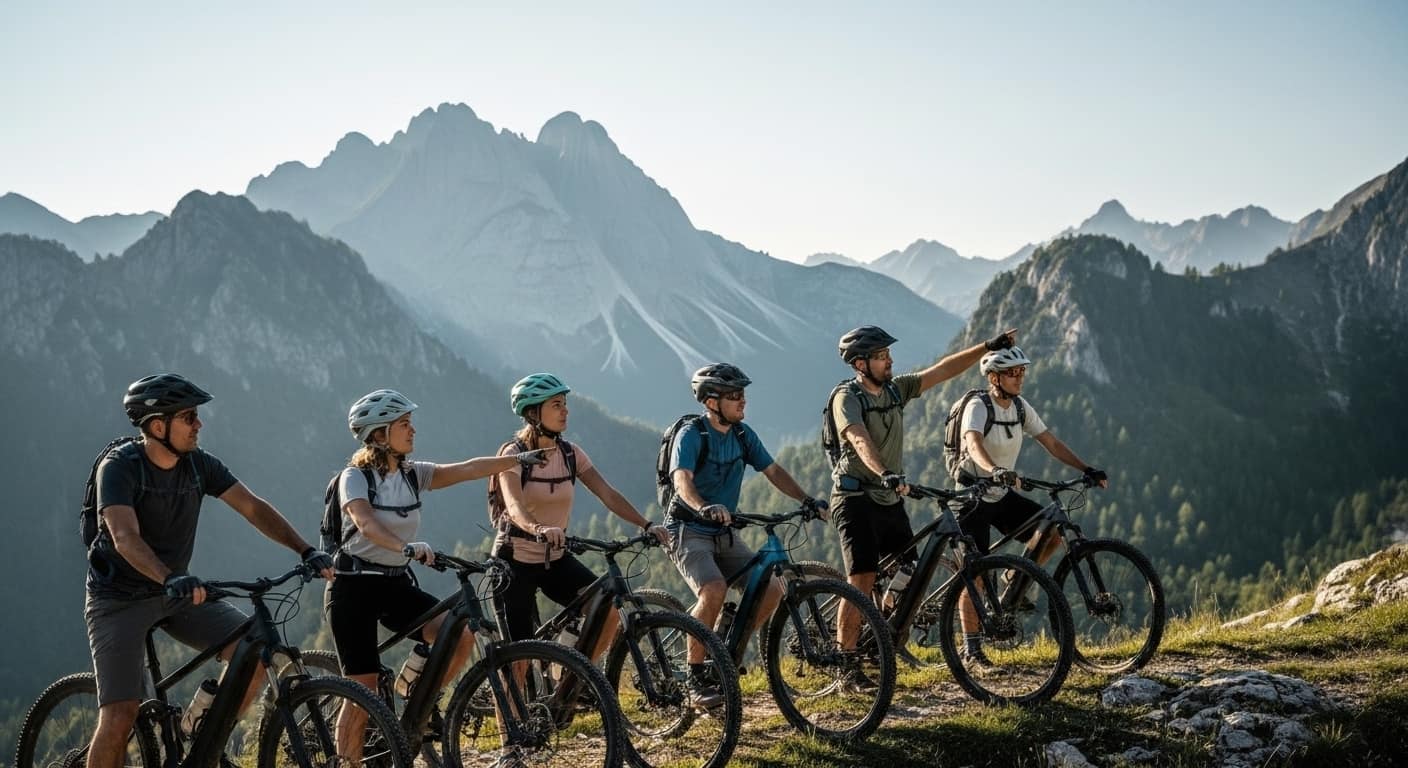
We're expanding to new locations across Europe. If you run a bike rental shop and want to offer online booking for free, join MTB Reserve today.
FAQs: Mountain Bike Rental Booking with MTB Reserve
For Riders
Do I need to pay online to book a bike?
No. MTB Reserve uses a pay-at-pickup model. You book online for free, then pay when you collect your bike—cash or card.
How do I confirm my booking?
After submitting your booking request, you'll receive an email with a confirmation link. Click it within 30 minutes to confirm. You'll then receive your booking code.
What if I need to cancel?
Contact the rental shop directly using the contact details on your confirmation email. Cancellation policies vary by shop.
Can I book multiple bikes for my group?
Yes! During booking, you can select the quantity of bikes you need (subject to availability).
For Bike Shops
Is MTB Reserve really free?
Yes. No monthly fees, no commissions, no hidden costs. The core booking system is 100% free.
How do I get paid?
Customers pay you directly at pickup. MTB Reserve never handles your money—you keep every euro of your rental revenue.
Can I customize my booking page?
Yes. You can add custom titles, info messages, and your Google Maps pickup location.
What if a bike is broken?
Mark it as "broken" in your inventory. It's automatically removed from availability until you fix it.
How do I block holidays or off-season dates?
Use the Blocked Dates feature in Settings. You can set single dates or date ranges, with the option for yearly recurrence.
Start Using MTB Reserve Today
For Riders
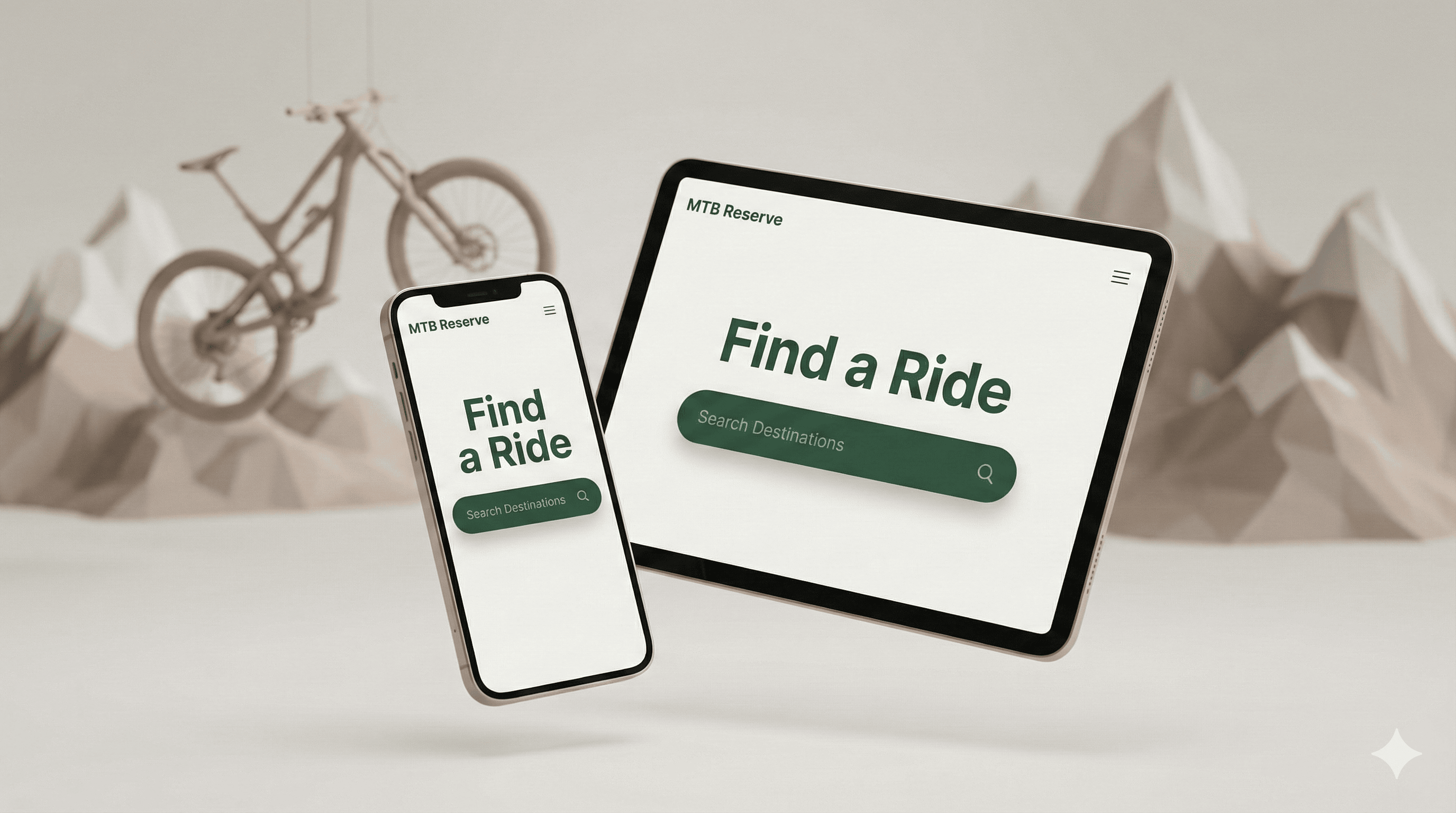
Find a bike near you. Enter your destination and discover local bike rental shops with online availability.
Find BikesFor Bike Shops
Join the network—free. Get your shop online in 5 minutes. No fees, no commissions, no hassle.
I Want to Join